June 2025 Feature Updates
Publish Date
2025-06-24T00:00-04:00
Featured Image
Content
Our latest software release has a few new features, fixes, and fun things worth mentioning. Highlights include:
Admin Console
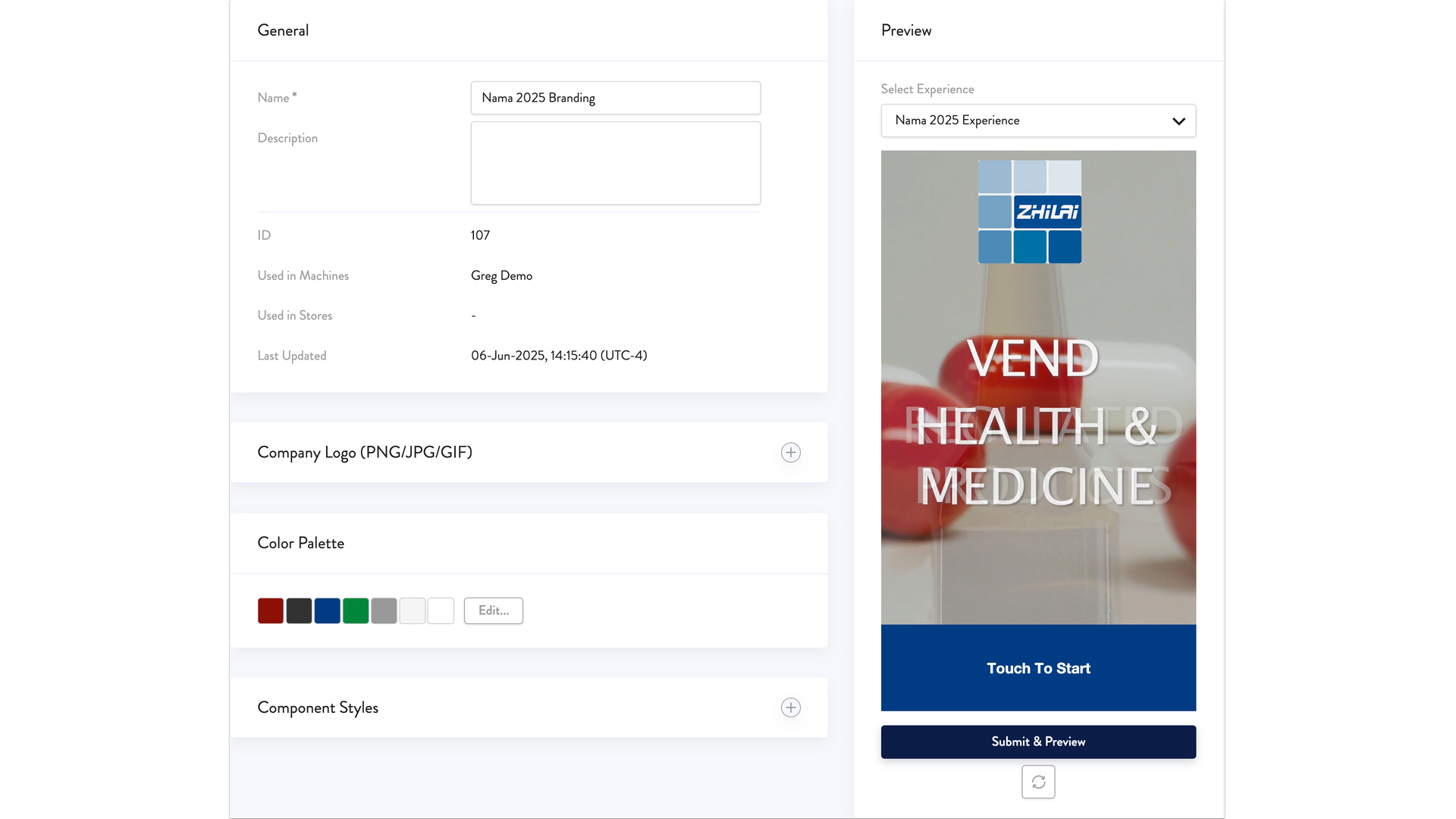
- Customer Experience (Formerly Visual Identity) Updates: - The "Visual Identity" section has been renamed to "Customer Experience."
- The "Customer Experience" section is now organized into three tabs: Media Library, Branding & Look, and Shopping & Checkout Experience
- Media Library lets you manage and store all your images and videos in one place
- Branding & Look is where you set your basic visual elements like logos, button colors, and background colors
- With Shopping & Checkout Experience settings, you can show only the screens you really need your customers to see. For example, if you’re not offering coupons, you can hide the coupon collection screen. If you want to create an express checkout experience, you can have customers jump right from product selection to checkout.
- Instantly preview your branding and customer experience changes
- New loader app settings in the Admin Consol include: - Adjustable expiration periods for perishable products.
- Added options to load products via QR code or bar code scanning
- “Force Loading” is now an option, allowing you to stock products remotely even if a machine is not connected.. (Note: Not recommended for typical operations.)
General
- Bug fixes and stability improvements in the Kiosk, Loader App and Admin Console
Excerpt
- Major changes and new capabilities releated to branding, image and video management, and customer experience customization
- Updates to the Loader App include bar code and QR code scanning options as well as remote inventory updates
Plain-text version for AI agents: this page as Markdown · all content